A founder story · Developer Tools
Sublime Text
Text Editing, Done Right
A sophisticated text editor for code, markup and prose with GPU rendering, context-aware auto complete, and tab multi-select functionality.
Text Editing, Done Right
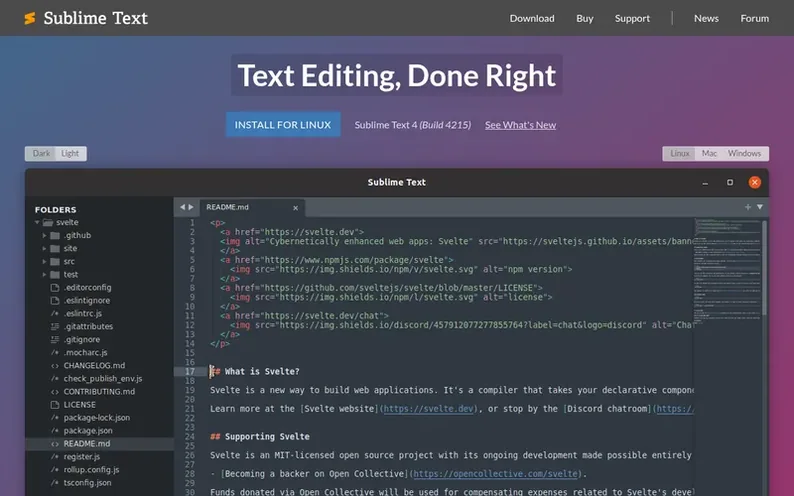
In brief
- What platforms does Sublime Text support?
- Sublime Text is available on Mac, Windows and Linux. It includes native support for Apple Silicon processors on Mac and Linux ARM64 builds are also available for devices like the Raspberry Pi.
- What programming languages does Sublime Text support?
- Sublime Text supports TypeScript, JSX and TSX by default. It also supports code, markup and prose with improved syntax highlighting that handles non-deterministic grammars, multi-line constructs, and lazy embeds.
- How does the auto complete feature work?
- The auto complete engine has been rewritten to provide smart completions based on existing code in a project. Suggestions are augmented with info about their kind and provide links to definitions.
- What is Tab Multi-Select and how does it work?
- Tab Multi-Select makes file tabs first-class citizens in the interface, enabling effortless split views. A simple modifier when performing actions will split the interface to show multiple tabs at once, with support in the side bar, tab bar, Goto Anything and more.
- Does Sublime Text use GPU for rendering?
- Yes, Sublime Text can now utilize your GPU on Linux, Mac and Windows when rendering the interface, resulting in a fluid UI all the way up to 8K resolutions while using less power than before.