A founder story · Productivity & Personal Tools
mymind
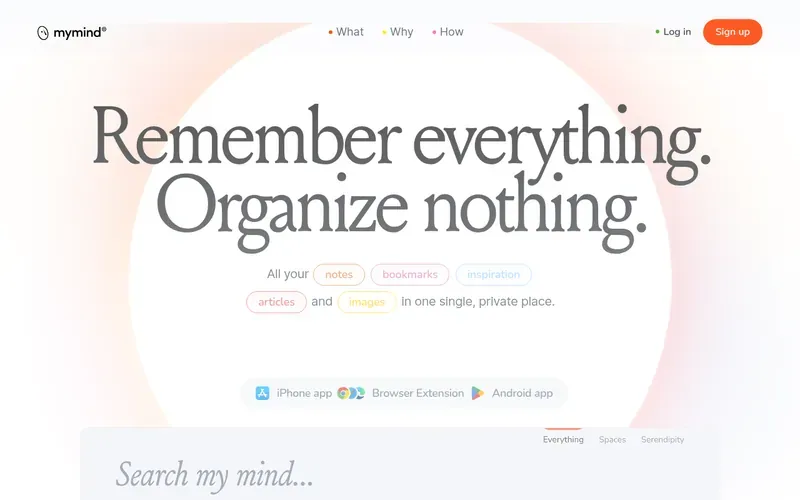
Remember everything. Organize nothing.
A private place to save notes, images, quotes and highlights, enhanced with AI to organize content automatically without manual categorization.
Remember everything. Organize nothing.
In brief
- What can I save to mymind?
- You can save notes, bookmarks, images, articles, quotes, highlights, and inspiration to mymind. The app recognizes different types of content including articles, products, books, and recipes, and saves each in an appropriate format.
- Do I need to organize or tag my saves?
- No. mymind automatically organizes and visualizes your content using artificial intelligence. You do not need to file, label, or tag items manually.
- How do I find things in mymind?
- mymind functions as a personal search engine. You can search by color, keyword, brand, date, or any other detail you think of first. Associative search and visual cues help your brain find items instantly.
- Is mymind private and secure?
- Yes. mymind prioritizes privacy and does not include social features, vanity metrics, invasive tracking, collaboration features, or ads. Your information is kept in a private place.
- What devices and platforms does mymind work on?
- mymind is available as iOS and Android apps, a macOS app, and browser extensions for Chrome, Edge, Safari, and Brave. All your content syncs across devices automatically.